Step 1 of 3
What’s your name?
Others see this when you pair and receive items. 2–20 characters.
Remembered on this device so you only enter it once. You can change it any time.
Learn more
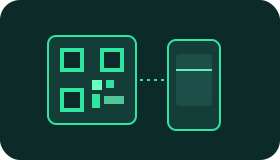
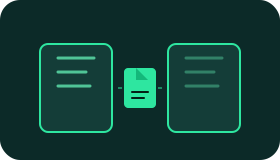
How EasyShare works Pair, approve, share — no accounts and no uploads.


Privacy & security What we do and don’t see when you share.
-
Zero content logging
Your files and text are never logged or inspected on our servers.
-
Stays on your devices
Content moves on a direct link between paired devices — no cloud folder.
-
The server just introduces your devices
The server helps devices find each other and holds your seat if the network drops. Sharing itself is device-to-device.
-
You’re in control
Every join request needs your approval, and reconnecting requires a one-time credential held only by your device.
Common questions Connection drops, new members, and file access.
- What happens if my phone loses signal mid-transfer?
- Your seat in the session is held for about two minutes. You’ll see “Reconnecting…”, and once you’re back the transfer continues from the byte it stopped at instead of starting over.
- Can someone else take over my session while I’m offline?
- No. Reconnecting requires a single-use credential stored only in your browser tab, and it is replaced every time it’s used.
- If a new person joins later, can they see what was already shared?
- No. Items are only delivered to the devices that were connected and selected at the time of sending. A new member starts with an empty list and can only access what you send after they join.
- Where are received files stored?
- In your browser, on your device, until you download or clear them. Closing the tab discards them.
- Which devices work?
- Any modern browser on Android, iOS, macOS, Windows, Linux, and Android TV. The layout adapts to phones, tablets, desktops, and TV screens.